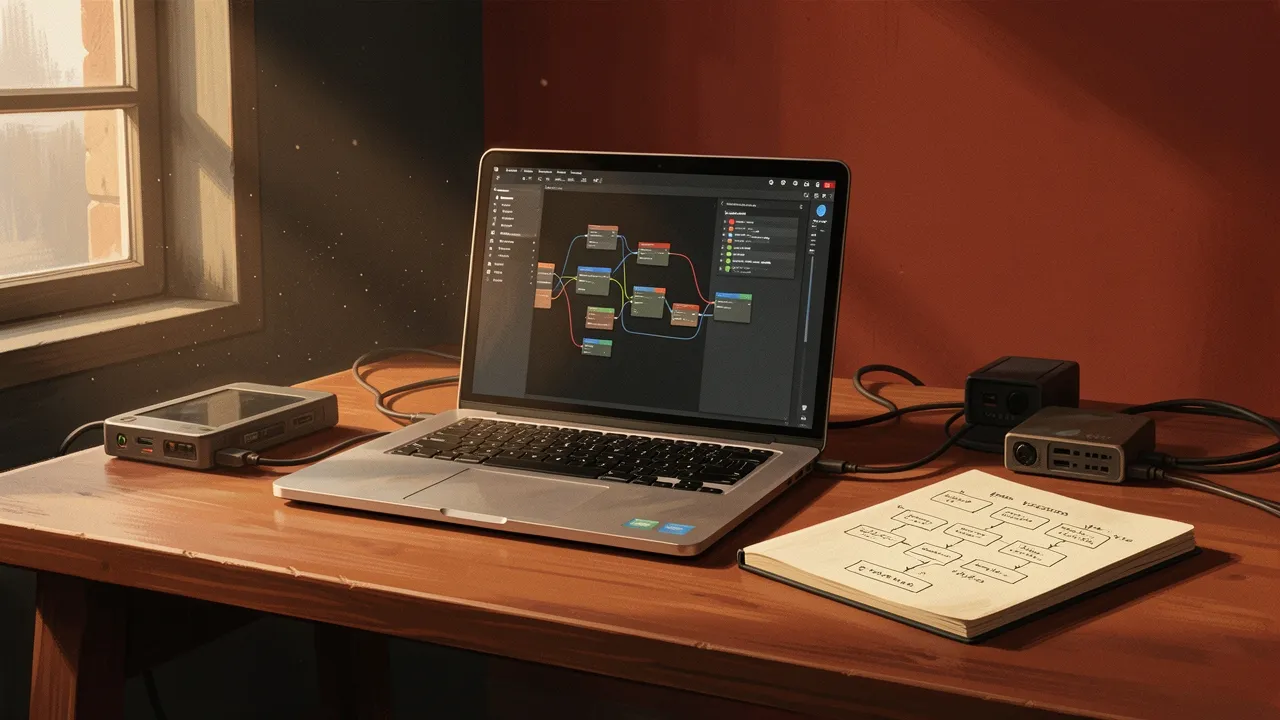
You describe what you want. Claude builds the workflow, tests it, catches the errors, fixes them, and hands you something that runs. No JSON. No copy-paste between tools. No "almost works but breaks on edge cases". This is what workflow automation looks like when the AI actually understands the tooling.
n8n just shipped an MCP server that lets Claude generate, validate, and iterate on workflows from natural language. The AI writes the workflow logic, checks it against n8n's schema, runs test executions, and debugs failures autonomously. This isn't a code generator that spits out half-working scripts. It's a full build-test-fix loop.
How the MCP Server Works
Model Context Protocol is Anthropic's standard for giving AI tools access to external systems. n8n's implementation gives Claude direct access to workflow creation, validation, and execution APIs. That means Claude can build a workflow, send it to n8n's validation endpoint, get structured error feedback, and revise the workflow before you ever see it.
Here's the interaction model: you tell Claude "I need a workflow that monitors a Google Sheet, extracts new rows, enriches them with data from an API, and posts summaries to Slack". Claude generates the n8n workflow JSON, validates it, creates a test execution, catches the inevitable API authentication issue, fixes it, re-runs the test, and confirms it works. You get a working workflow, not a starting point.
The validation loop is what makes this different. Most AI code generation fails because the AI doesn't know when it's wrong. It generates plausible-looking code, hands it over, and you spend 20 minutes debugging. n8n's MCP server closes the loop - Claude knows immediately when something breaks and why.
What This Unlocks for Non-Technical Users
The target user isn't a developer. It's someone who knows what they need but doesn't want to learn n8n's node system, data transformation syntax, or error handling patterns. They want to describe the outcome and get a working automation.
The common failure mode of no-code tools is the gap between "easy things are easy" and "medium things are impossible". You can drag-and-drop a simple two-step workflow, but the moment you need conditional logic, data transformation, or error retry, you're reading documentation. Claude removes that cliff. The complexity is still there - it's just handled by the AI.
This works because n8n's structure is deterministic. Workflow nodes have schemas. APIs return predictable errors. Claude doesn't need to guess what went wrong - n8n tells it exactly which node failed and why. That structured feedback is what makes the iteration loop fast.
The Developer Experience
For builders who already know n8n, this is a different kind of productivity tool. You're not handing over control - you're using Claude to scaffold the tedious parts. "Build me the error handling for this API call" or "Add retry logic with exponential backoff" or "Transform this webhook payload into the format my database expects". Claude writes the nodes, you review and tweak.
The iteration speed is the payoff. Normally you'd write a workflow, save it, test it, check the logs, find the bug, edit the workflow, test again. Now Claude does that loop autonomously. By the time you review the workflow, it's already been through several test-fix cycles. You're reviewing a working solution, not debugging a draft.
The other advantage is documentation. Claude explains what each node does, why certain configurations matter, and how the workflow handles edge cases. That's useful when you revisit the workflow six months later and need to remember why you set a particular timeout value.
What This Means for Workflow Automation
The barrier to automation just dropped significantly. Not because the tools got simpler - n8n is still n8n, workflows are still workflows. But because the gap between intent and implementation is narrower. If you can describe what you need clearly, you can build it.
This also changes how teams adopt automation. Previously, you needed someone technical to build workflows, then train others to use them. Now the person closest to the problem can build the solution. The sales team member who knows exactly what data they need from Salesforce can build the workflow themselves, no handoff required.
The risk is over-reliance without understanding. If Claude builds a workflow and you don't know what the nodes do, you can't debug it when something changes - a new API version, a schema update, a permission issue. The tool makes building easy. Maintaining still requires understanding. That's the tradeoff.
But for rapid prototyping, internal tools, and personal productivity automation? This is step-function improvement. The time from "I need this" to "this is running" just collapsed from hours to minutes. And the output isn't a chatbot-generated script you need to fix. It's a tested, working workflow. That's the shift.