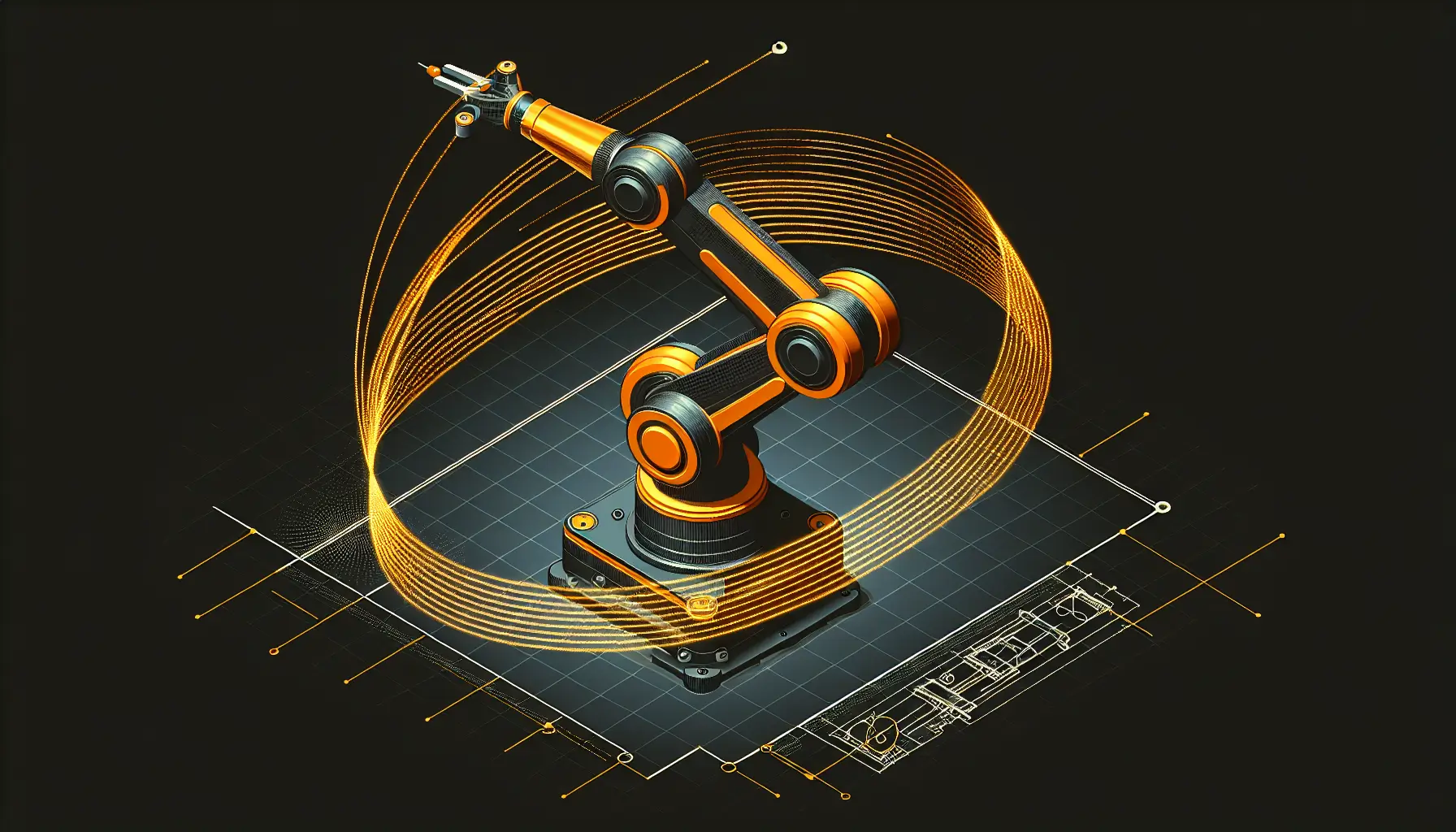
Most guides to robotics feel like reading spacecraft manuals. This one doesn't. A new step-by-step walkthrough shows exactly how to configure a 7-degree-of-freedom robotic arm using MoveIt2 - and it's surprisingly straightforward.
The guide from ROS Discourse tackles the NERO robotic arm, but the principles work for any 7-DoF system. What makes this interesting is how it handles the complexity problem.
Why Seven Degrees Matters
A 7-degree-of-freedom arm has one more axis of movement than strictly necessary to reach any point in 3D space. That extra degree gives the arm flexibility - it can reach around obstacles, approach objects from different angles, and avoid awkward joint positions.
In simpler terms: imagine trying to reach something on a high shelf. You can stretch straight up, or you can bend your elbow and twist your wrist to get there comfortably. That extra flexibility is what the seventh degree provides.
The catch? More flexibility means more complexity. Planning motion for seven joints instead of six isn't just harder - it's exponentially harder. That's where MoveIt2 comes in.
The MoveIt2 Framework
MoveIt2 is a motion planning framework built on ROS2 (Robot Operating System 2). It handles the mathematics of moving robotic arms without collisions. The guide walks through configuring it using URDF models - essentially blueprints that describe the robot's structure.
What stands out is the practical workflow. Instead of diving straight into code, the guide starts with the robot's physical description: joint limits, link lengths, collision boundaries. Define those correctly, and MoveIt2 handles the rest.
The collision checking is particularly well thought out. The system doesn't just avoid hitting things - it plans trajectories that maintain safe distances throughout the movement. For anyone deploying robots in real environments, that margin matters.
Trajectory Execution in Practice
The guide breaks down trajectory execution into clear stages: planning, validation, and execution. This isn't theoretical - it's the actual sequence you'd use in production.
Planning generates possible paths. Validation checks them against physical constraints and collision boundaries. Execution sends the commands to the motors. Each stage has clear inputs and outputs, making debugging straightforward.
For developers used to software-only systems, this kind of staged approach feels familiar. It's essentially continuous integration for physical movement - test before you deploy, and deploy in controlled steps.
What This Means for Builders
The robotics industry has a documentation problem. Most resources assume you already know what you're doing. This guide assumes you're competent but new to this specific system - which is where most developers actually are.
The URDF-first approach is particularly smart. By starting with the robot's physical model, you're forced to think about constraints early. That saves time later when debugging why a motion plan fails.
For businesses considering robotic automation, this kind of accessible tooling matters. MoveIt2 isn't simple, but it's no longer impenetrable. The barrier to entry for industrial robotics continues to drop.
The guide promises a Part II covering more advanced scenarios. If it maintains this level of clarity, it'll be worth watching. Making 7-DoF arms this approachable is genuinely useful work.