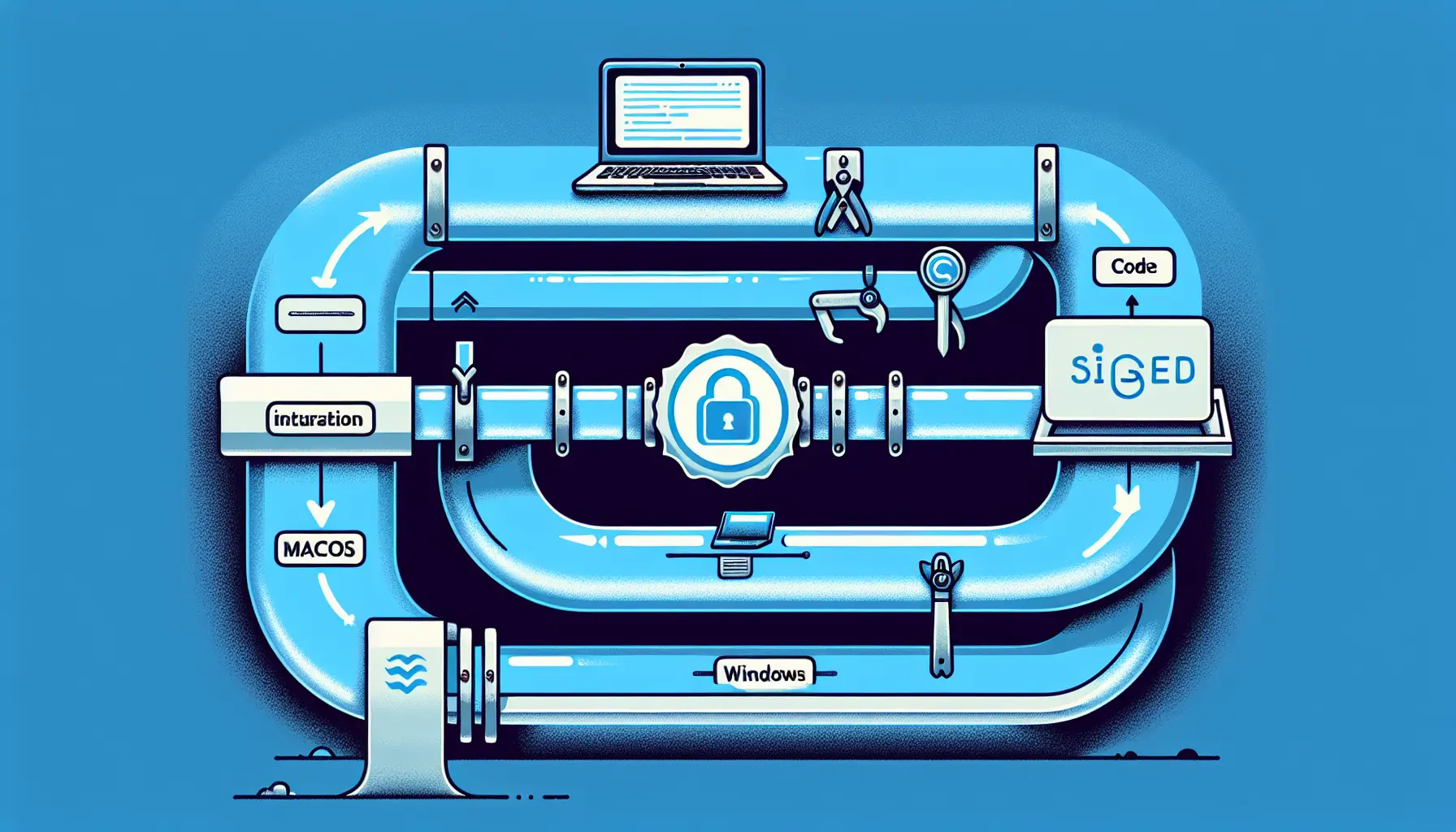
If you've built a desktop application with Tauri v2, getting it properly signed and distributed is the next challenge. Without code signing, macOS Gatekeeper blocks your app entirely, and Windows SmartScreen warns users away. Even if your app is perfectly safe.
This comprehensive guide from the Tauri community walks through the entire process: certificate generation, Azure Key Vault integration, and automated CI/CD deployment. It's the detailed, practical documentation that should exist but often doesn't.
Why Code Signing Matters
Code signing proves your application came from you and hasn't been tampered with. Operating systems check these signatures before allowing apps to run.
On macOS, unsigned apps won't open without users manually overriding Gatekeeper security settings. Most users won't bother. On Windows, SmartScreen displays increasingly aggressive warnings about unsigned executables.
For commercial applications, code signing isn't optional. It's the difference between professional distribution and software that feels untrustworthy.
Certificate Generation - The Starting Point
The guide begins with certificate acquisition. For macOS, this means joining the Apple Developer Program (£99 annually) and generating a Developer ID Application certificate through Xcode or Apple's developer portal.
For Windows, you need an Extended Validation (EV) code signing certificate from a Certificate Authority. Unlike standard certificates, EV certificates require identity verification - passport, business registration documents, the works. The process takes days to weeks.
This identity verification exists for good reason. EV certificates carry more trust, and Windows SmartScreen treats them more favourably. But the bureaucracy is real, and the guide acknowledges this upfront.
Azure Key Vault Integration
Here's where it gets interesting. Rather than storing certificates locally (a security risk), the guide demonstrates Azure Key Vault integration.
Key Vault stores your certificates securely in the cloud. Your build pipeline accesses them through Azure credentials, signs the application, and never exposes the private keys to your local development environment or CI runners.
This approach scales better for teams. Multiple developers can sign releases without passing certificate files around. If someone leaves the team, you don't need to revoke and regenerate certificates - just remove their Azure access.
The guide provides step-by-step instructions for uploading certificates to Key Vault, configuring service principals, and granting appropriate permissions. It's the kind of detailed walkthrough that saves hours of debugging authentication issues.
Automated CI/CD Pipeline
The real value comes in the CI/CD integration. The guide shows how to configure GitHub Actions workflows that automatically sign releases when you push a tagged commit.
For macOS, this involves configuring tauri.conf.json with your Apple Developer team ID and bundle identifier, then using environment variables to inject signing credentials during the build.
For Windows, the workflow retrieves certificates from Azure Key Vault, configures the Windows SDK signing tools, and applies the signature to the executable and installer.
The result is a release pipeline that produces properly signed binaries for both platforms without manual intervention. Tag a release, push it, and the pipeline handles the rest.
Notarization for macOS
Signing isn't enough on macOS. Apple requires notarization - uploading your signed app to Apple's servers for automated security scanning before distribution.
The guide covers this too. It shows how to configure notarization credentials (app-specific passwords or API keys), integrate the notarization step into your build pipeline, and handle the asynchronous nature of Apple's notarization service.
Notarization adds 15-30 minutes to your release pipeline, but it's non-negotiable for professional macOS distribution. The guide makes this process as straightforward as possible.
Practical Considerations
What makes this guide valuable is its attention to real-world friction. It addresses common failures - Azure authentication timeouts, certificate chain issues, notarization rejections for unsigned dependencies.
It also covers cost. Apple's developer program is straightforward at £99/year. EV certificates for Windows range from $200 to $500 annually. Azure Key Vault has negligible costs for small-scale use but can add up if you're running hundreds of signing operations daily.
For indie developers or small teams, these costs matter. The guide doesn't pretend they don't exist.
Part One of Two
This is explicitly part one of a two-part series. Part two will presumably cover updates, analytics, and other distribution concerns.
For now, this covers the essential foundation - getting your Tauri application properly signed so users can actually install and run it without security warnings.
If you're building desktop applications with Tauri, bookmark this. The alternative is piecing together information from scattered documentation, forum posts, and outdated blog articles. This consolidates the current best practices in one comprehensive walkthrough.
Professional desktop application distribution requires proper code signing. This guide removes the mystery from that process.